
Tags

In the tags input, you can assign tags to your Sessions, Entries, Arcs, and Fronts.
Tags allow you to capture key data about Sessions, Entries, Arcs, and Fronts to see at a glance. Tags are given strong preference when searching (the same as name), so they are a powerful way to find your content quickly.
Adding tags
To add a tag, simply start typing. As you type, you'll get an auto-complete showing other tags you've already used. A given tag is assigned a random color, but that color will be the same across all uses of that tag, making it easy to identify.
INFO
Tags are shared across Sessions, Entries, etc. (but not across-Settings). This makes it easy to use them to tie together plot lines, for example.
Creating tags
To create a new tag, simply type it in and hit Enter/Tab. It will be assigned a new, random color.
Removing tags
When there are no more items using a tag, it will be removed from the list, so it won't be suggested again.
When there are no more items using a tag, it will be removed from the list, so it won't be suggested again.
Finding tagged items
If you click on any tag, it will bring you to a list of all items tagged with that tag.
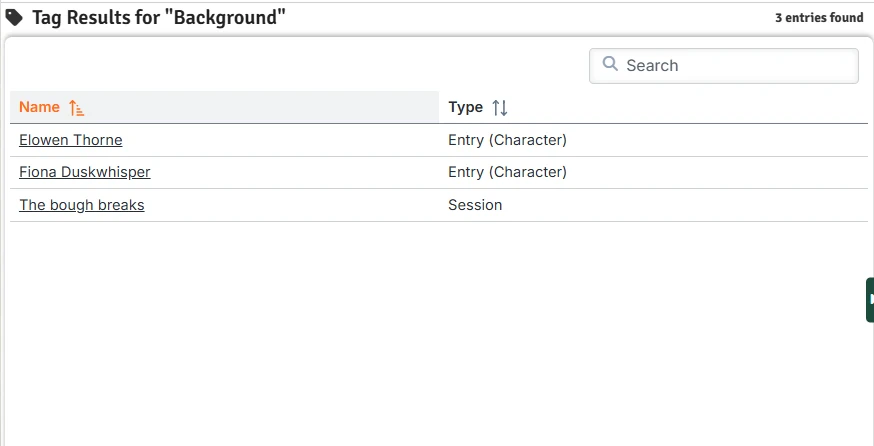
Click the name of any entity to open it in a new window.