
Generic Foundry Document Tab
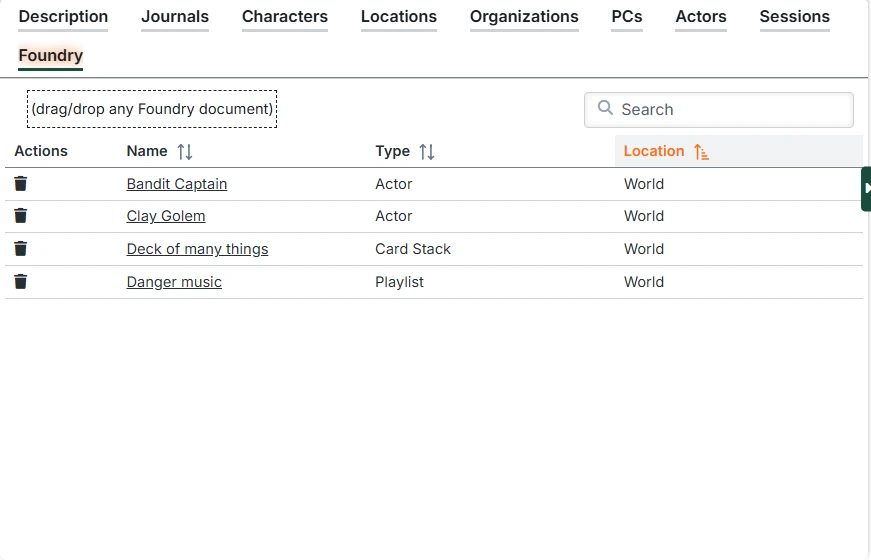
When enabled in Module Settings, this tab provides a table for linking any type of Foundry document (Scenes, Actors, Items, RollTables, Playlists, etc.) to the entry. This is particularly useful for users who want to drive their play sessions entirely from entries (typically Locations) without using the Campaigns/Sessions system.
Adding documents
You can drag and drop any Foundry document (from anywhere in Foundry, but most often the sidebar) onto the box at the top instead.
The related document list
This list shows each of the related documents. You can click on the name to open that document's primary view (character sheet, scene configuration, etc.) And you can use the drag icon to drag documents from the table to anywhere else in Foundry that supports dropping.