
Session Timeline Tab
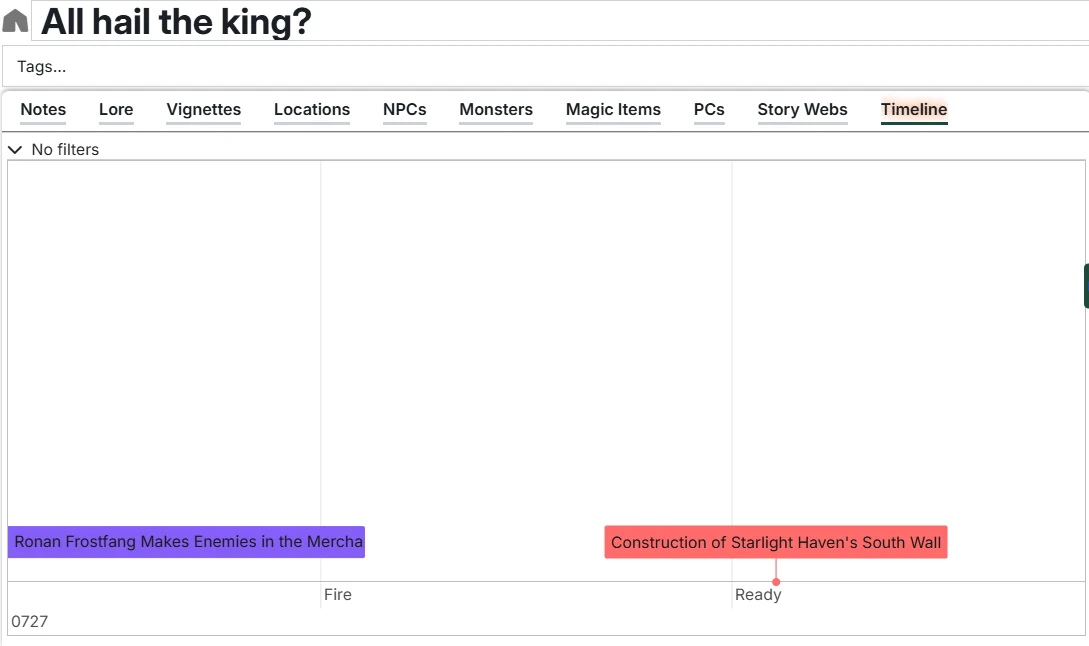
The Timeline tab shows calendar events from Calendaria relevant to this Session. This helps you see what world events are happening around this specific game session.
INFO
Timelines require the Calendaria module to be installed and active. See the main Timelines documentation for more details on this, as well as general usage of Timelines.
Filtering Events
You can set filters, as well as the viewable window to control what the timeline view for this Session should be. Those settings are content-specific (i.e. this Session) and are saved.
Reference This Session
By default, this option is enabled and filters the timeline to show only events that reference this Session in their content (using @UUID links). This shows events specifically tagged as relevant to this session.
Disable this option to see all calendar events instead.