
Front Details
INFO
Fronts are an optional feature and can be disabled in the Module Settings.
Fronts provide a way to track long‑term threats and storylines in your Campaign. Each front gathers one or more Dangers (major threats), the people and factions involved, and the grim portents that show how the Danger advances over time.
Fronts live inside a single Campaign and are shown in the Campaign Directory under that Campaign. They give you a high‑level view of what might go wrong and how those threats will unfold across many sessions.
For more information on how to use Fronts, see:
- https://www.dungeonworldsrd.com/gamemastering/fronts/
- https://slyflourish.com/looking_back_on_fronts.html
Front Header
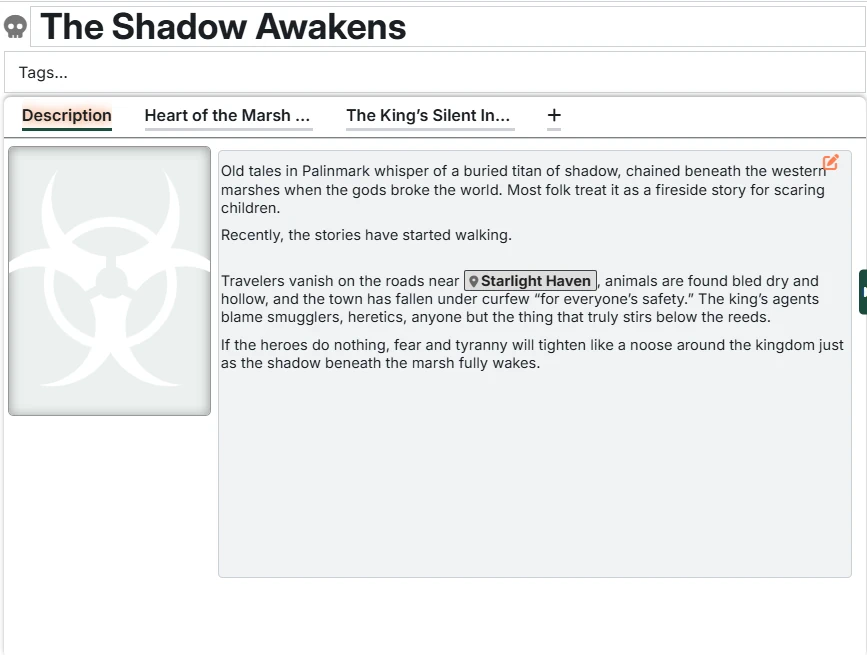
Name - You can click the Front's name to edit it.
Tags - An easy way to categorize Fronts. Particularly helpful for searching.
Tabs
Fronts have the following tabs where you can manage their details:
- Description - The description of the front, and an optional image
- Dangers - Each Danger in the front has its own tab.
Creating a Danger
You create Dangers by clicking the "+" in the Front tab strip.
Deleting a Danger
You delete Dangers by right-clicking on the Danger tab.